

If you run a local business, you know how competitive search results can be. Customers today search with clear intent. They want nearby services, fast answers, and trustworthy information. That’s why Google relies heavily on structured data to understand what your business does, where it is located, and why it should appear for local searches. This is where Local Business Schema Markup becomes a powerful tool.
Many business owners have heard the term but are not fully sure how it works or why it matters. This guide breaks everything down in a practical, no-nonsense way so you can use schema markup to strengthen your local SEO and appear more confidently in Google’s local results.
What is Local Business Schema Markup?
Local Business Schema Markup is a structured data format you add to your website to help search engines understand key details about your business. It follows the guidelines created by Schema.org, and it uses a standard format called JSON-LD.
In simple terms, it tells Google things like:
• Your business name
• Your address
• Your phone number
• Your opening hours
• Your services
• Your location
• Your business type
• Your ratings or reviews
Instead of search engines guessing these details from your site, schema markup shows them clearly and consistently.
Why Local Business Schema Matters
Local businesses depend on visibility. If Google clearly understands your business, it becomes easier to show you in:
• Local Pack results
• Google Maps
• Knowledge panels
• “Near me” search queries
• Voice search results
Many businesses do the basics of SEO, such as optimizing content and building links, but they forget structured data. In many cases, schema markup is the difference between ranking in the top three and being buried below competitors.
Here are the most important benefits:
Stronger Local SEO Signals
Schema markup reinforces your NAP details (Name, Address, Phone), helping Google verify your business across the web.
Better Search Appearance
Structured data can lead to enhanced search results that look more polished and trustworthy.
Higher Click-through Rates
When your business appears with detailed and accurate information, users feel more confident clicking your listing.
Improved Understanding for Google and Other Search Engines
Google prioritizes clarity. Schema markup removes confusion about your business identity and services.
What Types of Schema Should a Local Business Use?
Schema.org has dozens of schema types, but for local businesses, the most relevant ones include:
LocalBusiness
This is the main schema wrapper used for all business types. Inside this, you can specify further subtypes based on your industry.
Some examples:
• Restaurant
• MedicalClinic
• Store
• AutoRepair
• ProfessionalService
• LegalService
• HairSalon
• Plumber
• HomeAndConstructionBusiness
• Hotel
• Dentist
Choosing the correct subtype helps Google categorize your business more accurately.
Key Properties Every Local Business Should Include
While schema can include many optional fields, certain core fields are essential for local SEO:
Business Name
Use your actual business name, not a keyword-stuffed version.
Full Address (with correct formatting)
Include street address, city, postal code, and country.
Phone Number
Use a local phone number whenever possible.
Opening Hours
Specify days and times when your business is open.
Geo Coordinates
Latitude and longitude help Google pinpoint your exact location.
URL and Social Links
Include your website URL and links to your social profiles.
Business Type / Category
Choose the correct schema subtype.
Price Range
A simple indicator such as $, $$, or $$$.
Logo and Images
Provide URLs to your logo and main images.
Reviews or Ratings
If you have real customer reviews, you can include structured data for them.
These core fields help Google build a confident understanding of who you are and where you serve.
JSON-LD: The Recommended Format for Schema
Google recommends using the JSON-LD format because it is clean, readable, and easy to add. You simply paste the code into the head or body of your page without changing the visible content.
For example, a simple LocalBusiness schema might look like this:
					<script type="application/ld+json">
{
  "@context": "https://schema.org",
  "@type": "LocalBusiness",
  "name": "Example Business Name",
  "image": "https://www.example.com/logo.jpg",
  "url": "https://www.example.com",
  "telephone": "+1 123 456 7890",
  "address": {
    "@type": "PostalAddress",
    "streetAddress": "123 Main Street",
    "addressLocality": "Example City",
    "addressRegion": "CA",
    "postalCode": "90001"
  },
  "openingHours": "Mo Sa 09:00 18:00",
  "priceRange": "$$"
}
</script>
This is just a basic version. A full schema for local SEO can include more details.
Where Should You Add Schema Markup?
You can place schema markup on:
• Your homepage
• Your contact page
• Your location pages (if you have multiple branches)
• Service pages for certain types of businesses
The most common approach is adding it to the header of your site. Many businesses using WordPress place the code through:
• SEO plugins
• Header/footer script plugins
• Theme settings
• Custom code injection fields
Most SEO plugins allow you to add schema easily, but manual control gives you more accuracy.
How to Validate Your Schema Markup
After adding your schema, always test it. Even a small error can cause Google to ignore the markup.
Use these tools:
• Google Structured Data Testing Tool (legacy but useful)
• Google Rich Results Test
• Schema Markup Validator
These tools show you:
• Errors
• Warnings
• Missing required fields
• Suggestions for improvements
Fix any issues before publishing your changes.
Advanced Tips to Maximize Local Rankings With Schema
Once you have basic schema in place, you can go deeper to strengthen your local signals.
Add “service area” details
If you serve multiple cities, you can specify them using the ServiceArea property.
Add “hasMap” and “geo”
Embedding your Google Maps link helps Google cross-verify your location.
Add multiple business locations
If your company has branches, create separate schema markup for each location page.
Use “sameAs” links
This helps Google connect your website to platforms like:
• Yelp
• Google Business Profile
• YouTube
Include accepted payments
Some industries benefit from listing the payment methods available.
Include business description
A short, clean description helps with clarity.
Linking Schema Markup With Google Business Profile
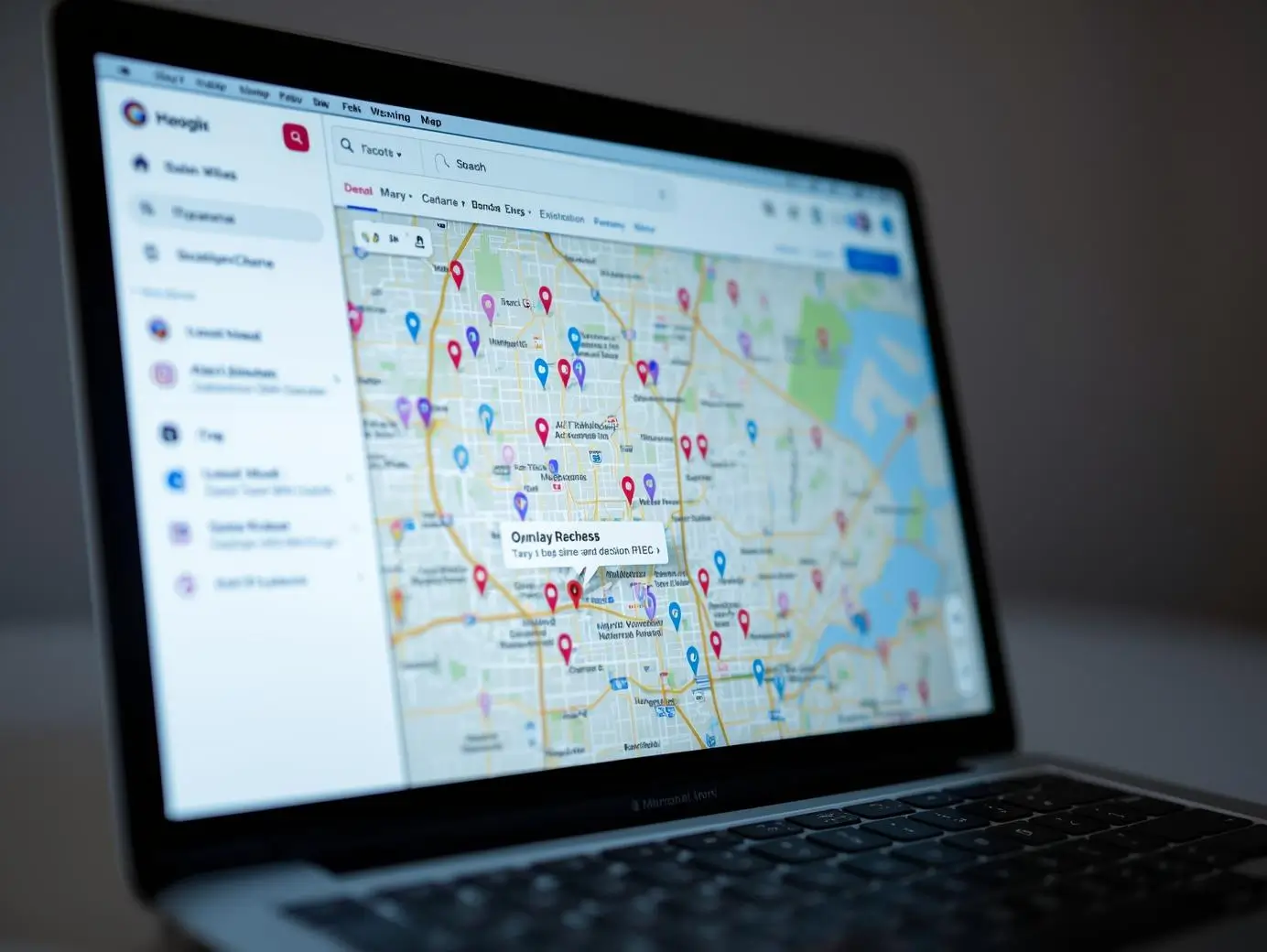
Your website and your Google Business Profile should always be consistent. Schema markup helps strengthen this connection.
Make sure the following match exactly:
• Business name
• Address
• Phone number
• Hours of operation
• Website URL
Even small differences can reduce your chances of showing in the Local Pack.
Common Mistakes to Avoid
Many businesses try to add schema markup but make mistakes that affect performance. Here are the most common issues:
Stuffing keywords in the business name
Google can detect this and consider it spam.
Using different addresses across the web
NAP consistency is essential.
Adding fake reviews to schema
This can lead to penalties.
Overusing schema types
You only need relevant schema types, not everything available.
Forgetting to test your schema
Always validate your code.
How Local Schema Helps You Stand Out Against Competitors
Local SEO has one purpose: showing up when people search for businesses in your area. Schema markup supports this goal by giving Google complete clarity about what your business offers.
When combined with:
• On-page SEO
• Accurate Google Business Profile
• Customer reviews
• Mobile-friendly design
• Local backlinks
Schema markup becomes a powerful part of your overall strategy.
Businesses that implement it properly often see:
• Higher rankings
• More map visibility
• Better click-through rates
• More phone calls and store visits
It is one of the rare SEO tasks that is technical, yet extremely practical and fast to implement.
Final Thoughts
Local Business Schema Markup may seem technical at first, but its impact on local rankings is undeniable. Search engines rely on structured data to understand the real world, and schema gives clarity, context, and confidence about your business details.
If you run a local business, take the time to implement it properly. It gives search engines a strong foundation to show your business to people who are already looking for exactly what you offer.
A few lines of clean code can make the difference between being overlooked and becoming a top result in your local area. In today’s competitive search landscape, that advantage matters more than ever.
Frequently Asked Questions
What is Local Business Schema Markup?
It is a structured data format that helps search engines understand key information about your business, such as your name, location, services, and opening hours.
Why is Local Business Schema Markup important for SEO?
It improves your visibility in Google’s local results by giving search engines clear signals about who you are and where you operate.
How do I add Local Business Schema Markup to my website?
You can add it manually using JSON LD code or through plugins if you use platforms like WordPress.
Does Local Business Schema Markup help with Google Maps rankings?
Yes, it strengthens the connection between your website and your Google Business Profile, which supports stronger Map Pack visibility.
What should be included in Local Business Schema Markup?
Key fields include your business name, address, phone number, opening hours, services, and geo coordinates.
Can Local Business Schema Markup improve click through rates?
Yes, structured data helps your listing appear more accurate and trustworthy, which often results in more user clicks.