Productivity is not always about working faster. Sometimes the biggest improvement comes from spending less time on repetitive tasks and more time on work that actually requires your attention.
Think about the everyday tasks that quietly consume hours. Writing routine emails, searching for information, summarizing documents, organizing notes, scheduling meetings, preparing content, and moving information from one application to another can all add up.
This is where AI Productivity Tools can become useful.
Instead of treating AI as something that should do everything for you, think of it as an assistant that can take care of specific parts of your workflow. The right tool can help you get started faster, organize information, automate repetitive actions, or make difficult tasks easier to manage.
But there is an important point to remember: you do not need dozens of AI tools to become productive. In many cases, a small set of well chosen tools is much more useful than a large collection of applications that all do similar things.
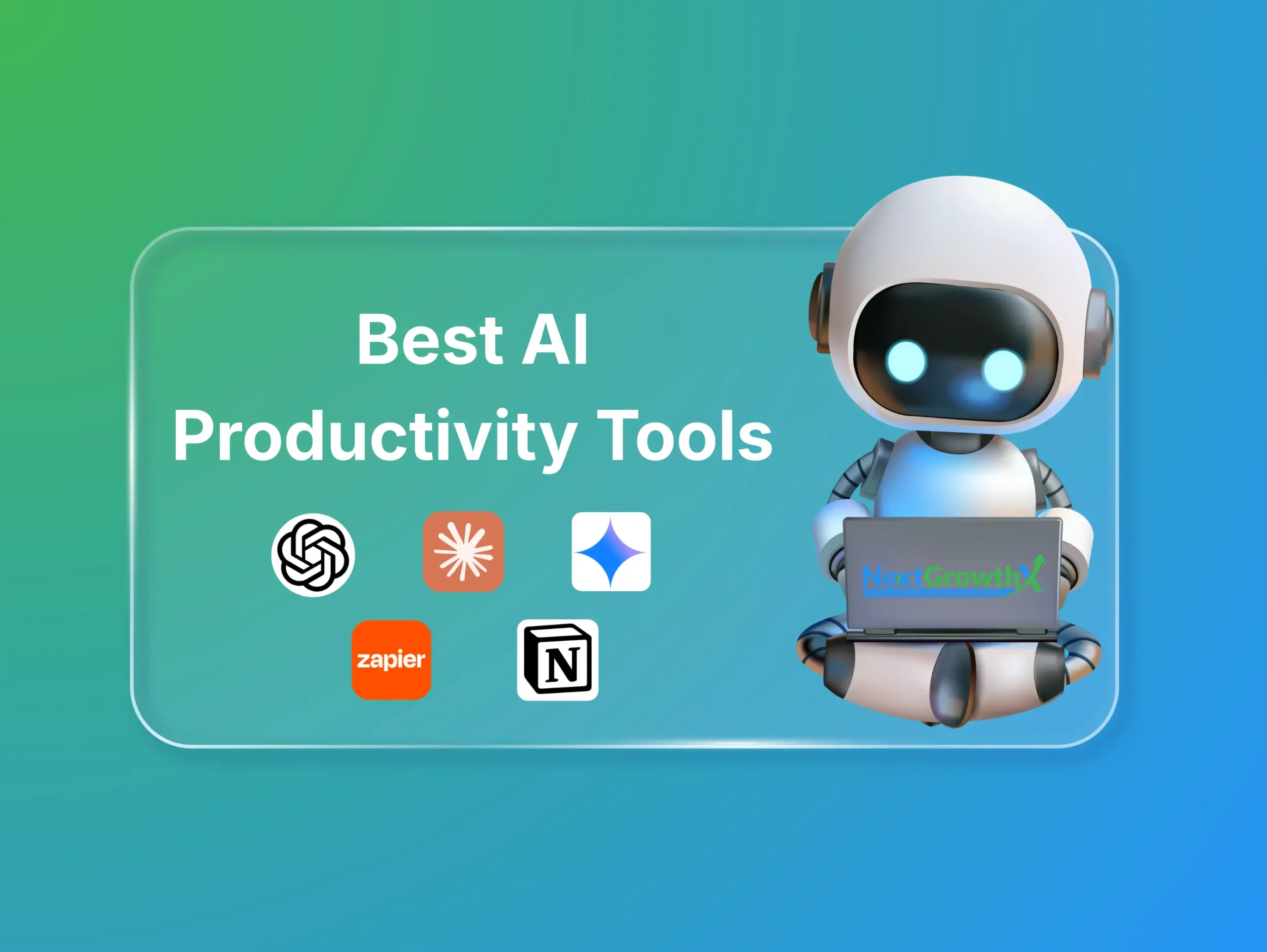
This guide covers seven useful AI Productivity Tools and explains where each one can fit into your daily workflow.
A Quick Look at the 7 Tools
| Tool | What It Is Most Useful For |
|---|---|
| ChatGPT | General work, writing, brainstorming, analysis |
| Claude | Long documents, writing, reasoning, knowledge work |
| Google Gemini | Google based productivity and AI assistance |
| Notion AI | Notes, knowledge management, and organization |
| Perplexity | Research and information discovery |
| Zapier | Workflow automation |
| Reclaim AI | Calendar and time management |
The important difference is that these tools are not direct replacements for one another. Each can fit a different part of your working process.
ChatGPT is one of the most flexible AI Productivity Tools because it can support many different types of tasks from one interface.
It can help with writing, brainstorming, planning, research, document analysis, learning, coding, data interpretation, and communication. Instead of using a separate tool for every small task, you can use ChatGPT as a general assistant for different parts of your work.
For example, a business owner may use ChatGPT to prepare a marketing plan, write customer emails, organize business ideas, or summarize a document. A developer may use it to understand technical concepts, review code, prepare project documentation, or troubleshoot a development issue.
Useful tasks for ChatGPT
ChatGPT can help you:
- Create blog outlines
- Draft professional emails
- Summarize long documents
- Prepare project plans
- Generate content ideas
- Explain technical topics
- Create checklists
- Analyze information
- Prepare meeting questions
- Review website content
One of its biggest advantages is flexibility. You can change the instructions depending on the task, audience, and desired result.
For example, a vague request such as “write about websites” may produce a general response. A more detailed instruction such as “create a simple explanation for small business owners about how a fast website improves customer experience” gives the AI a clearer direction.
Who should use ChatGPT?
ChatGPT can be useful for freelancers, marketers, developers, students, business owners, writers, researchers, and professionals who regularly work with information.
It is especially useful when you need help getting started, organizing ideas, or turning rough information into a clearer format.
Best for: General writing, brainstorming, planning, research assistance, document work, and everyday problem solving.
Claude is another major AI assistant, but it should not be described only as a document or writing tool. It also has important applications in software development and coding.
Anthropic describes Claude as a coding assistant that can help developers write, test, debug, review, and improve software. Claude Code can work with a codebase, edit files, run commands, and support development tasks through a terminal or supported development environment.
This makes Claude especially relevant for developers who need help with more than simple code snippets.
Claude for coding
Claude can assist with:
- Writing new functions
- Debugging errors
- Explaining unfamiliar code
- Refactoring existing code
- Reviewing a codebase
- Improving code structure
- Creating tests
- Understanding technical documentation
- Working with frontend and backend projects
For example, a developer working on a WordPress website may ask Claude to explain a custom PHP function, identify a possible issue in JavaScript, improve a CSS structure, or help plan a plugin feature.
Claude Code is designed for more direct development workflows. It can understand the context of a project and assist with tasks that involve multiple files or stages. Anthropic also describes capabilities related to codebase analysis, testing, debugging, and development task delegation.
Claude for writing and knowledge work
Claude can also help with long documents, detailed explanations, research, content development, and structured writing. It can summarize information, analyze uploaded materials, and help turn complex ideas into clearer content.
This makes it useful for both technical and nontechnical professionals.
Best for: Coding, debugging, code review, long documents, detailed writing, research, and complex knowledge work.
Google Gemini is an AI assistant that can support writing, research, planning, brainstorming, and information analysis. It is particularly relevant for people who already use Google’s productivity services.
Many professionals manage their work through Gmail, Google Docs, Google Drive, Google Calendar, and other Google services. For these users, AI assistance within the same ecosystem can make everyday work more convenient.
How Gemini can support productivity
Depending on the available features and account setup, Gemini can help with:
- Drafting written content
- Summarizing information
- Preparing ideas
- Research assistance
- Document related tasks
- Planning activities
- Email related work
- Understanding information
For example, a professional may need to understand a long email conversation before responding. AI assistance can help identify the main topic, important details, and possible action items.
A content writer may also use Gemini to brainstorm article topics or organize an initial content plan.
Why integration matters
The main benefit of using Gemini may come from how it fits into an existing Google based workflow.
Moving information between several applications can waste time. When an AI assistant works alongside the tools you already use, it may reduce unnecessary copying and switching between platforms.
However, users should still review AI generated content carefully, especially when emails, business documents, or important decisions are involved.
Best for: Google based workflows, writing, research, planning, email related tasks, and everyday information management.
Notion is a workspace for notes, documents, databases, project management, and knowledge organization. Its AI features make it useful for people who want to keep their work information in one central place.
Notion AI can help users search, summarize, organize, and work with information stored in their workspace. Notion also provides AI capabilities for working with connected information and completing more complex tasks.
What can you organize in Notion?
A freelancer or agency could use Notion to manage:
- Client requirements
- Project documentation
- Meeting notes
- Content calendars
- Task lists
- Research materials
- Business processes
- Team information
- Website planning
Instead of storing information across different documents and applications, you can create a structured workspace where related information is easier to find.
A practical example
Imagine that you are working on a website project for a client. You have received several messages, design references, content documents, and revision notes.
If these details are scattered across email, messaging apps, and separate files, finding the correct information can take time.
With a well organized Notion workspace, you can store the project requirements, tasks, notes, and decisions in one place. AI can then help summarize the information or locate relevant details.
Why Notion AI is useful
Notion AI is most valuable when your work already exists inside Notion. The more organized your workspace becomes, the more useful its search and AI features can be.
Best for: Notes, project documentation, knowledge management, content planning, databases, and team organization.
Research often requires opening many browser tabs, comparing sources, reading long pages, and organizing information manually.
Perplexity is designed to support AI assisted search and research. It can help users investigate topics, discover information, review sources, and create structured summaries.
This makes it one of the most useful AI Productivity Tools for people who spend a large part of their workday researching information.
Where Perplexity can help
You can use Perplexity for:
- Market research
- Competitor research
- Industry research
- Product comparisons
- Content research
- Topic discovery
- Finding relevant sources
- Understanding unfamiliar subjects
- Preparing research summaries
For example, before writing an article about website speed, you may need to understand performance problems, optimization methods, and relevant technical concepts.
A research focused AI tool can help you explore the subject more quickly and identify useful sources to review.
Do not skip source verification
AI research tools can save time, but their answers should not be accepted without checking important details.
Perplexity is best used as a research assistant rather than a replacement for careful judgment.
Best for: Web research, information discovery, competitor research, content research, and source exploration.
Some productivity problems happen because people repeatedly perform the same actions across different applications.
For example, a new website lead may require several manual steps:
- Reading the form submission
- Copying the contact information
- Adding the lead to a spreadsheet
- Sending a notification
- Creating a follow up task
- Sending a confirmation email
Repeating this process every day can consume a considerable amount of time.
Zapier is designed to connect applications and automate workflows. Its AI features can also support tasks such as information classification, content generation, lead handling, and other business processes.
How Zapier can improve productivity
A website form submission could trigger a workflow that:
- Adds the contact to a CRM
- Sends a notification to the sales team
- Creates a task for follow up
- Organizes the lead based on its details
- Sends a confirmation message
AI can make the workflow more flexible by helping interpret or categorize information.
For example, an AI step could review a new inquiry and identify whether it relates to website development, SEO, advertising, or technical support. The workflow could then send the inquiry to the appropriate person.
Why automation matters
Automation is useful when the same process happens repeatedly and follows predictable steps.
Instead of asking an AI assistant to help with the same task every day, you can create a workflow that handles the process automatically.
Best for: Workflow automation, lead management, application connections, repetitive business tasks, and process improvement.
Many people create task lists but still struggle to complete important work because their calendars are full.
Meetings, calls, deadlines, administrative tasks, and unexpected requests can make it difficult to find time for focused work.
Reclaim AI focuses on calendar management, task scheduling, and organizing available time. It is designed to help users plan tasks around their schedules and protect time for important work.
How Reclaim AI can help
It can be useful for managing:
- Recurring tasks
- Project deadlines
- Client meetings
- Personal commitments
- Focused work sessions
- Administrative activities
- Weekly priorities
For example, a freelancer may have several client meetings during the day but still need time to design a website, prepare a proposal, and respond to messages.
A scheduling tool can help organize these tasks around available calendar space instead of leaving everything on an unstructured task list.
Why calendar management matters
A task list shows what you need to do. A calendar shows when you can realistically do it.
Connecting these two ideas can help create a more practical working schedule.
Reclaim AI may be particularly useful for professionals who manage several projects or have meeting heavy workdays.
Best for: Calendar management, task scheduling, time planning, recurring tasks, and focused work sessions.
Final Thoughts
The best AI Productivity Tools are not necessarily the ones with the largest number of features. They are the tools that fit naturally into your daily work and solve a real problem.
ChatGPT is useful for general assistance, Claude can support both coding and detailed knowledge work, Gemini fits well into Google based workflows, Notion AI helps organize information, Perplexity supports research, Zapier automates repetitive processes, and Reclaim AI helps manage time.
You do not need to use every tool.
Start by identifying the task that consumes the most time in your workflow. Then choose an AI solution that can help you complete that task more efficiently. Review the results, protect confidential information, and keep human judgment involved in important decisions.
When used thoughtfully, AI Productivity Tools can help you reduce repetitive work, organize information, improve efficiency, and focus more attention on meaningful tasks.
Frequently Asked Questions
What are AI Productivity Tools?
AI Productivity Tools are software applications that use artificial intelligence to help people complete tasks more efficiently. They can support writing, coding, research, organization, scheduling, document management, and workflow automation.
Which AI Productivity Tools are best for coding?
Claude is one useful option for coding because it can assist with writing, debugging, code review, refactoring, testing, and understanding existing codebases. ChatGPT can also support coding explanations, planning, and troubleshooting.
Can AI Productivity Tools help small businesses?
Yes. AI Productivity Tools can help small businesses with content creation, customer communication, research, project organization, lead management, scheduling, and repetitive workflow automation.
How can AI Productivity Tools save time?
AI Productivity Tools can reduce time spent on repetitive tasks such as writing drafts, summarizing documents, finding information, organizing notes, scheduling tasks, and transferring data between applications.
Should I use all seven AI Productivity Tools?
No. You should choose AI Productivity Tools based on your actual needs. Start with one tool that solves a clear problem and add another only when it provides a useful improvement.