Choosing the right CMS for websites can have a major impact on how easily you can create, manage, and grow a website.
Think about the everyday tasks that quietly consume hours. Writing routine emails, searching for information, summarizing documents, organizing notes, scheduling meetings, preparing content, and moving information from one application to another can all add up.
But there is no single CMS that is perfect for every project.
A personal blog has different requirements from an ecommerce store. A large organization may need advanced permissions and custom functionality, while a small business may care more about simplicity and ease of maintenance.
That is why the best cms for websites depends on what you are building, how much control you need, and who will manage the website after it goes live.
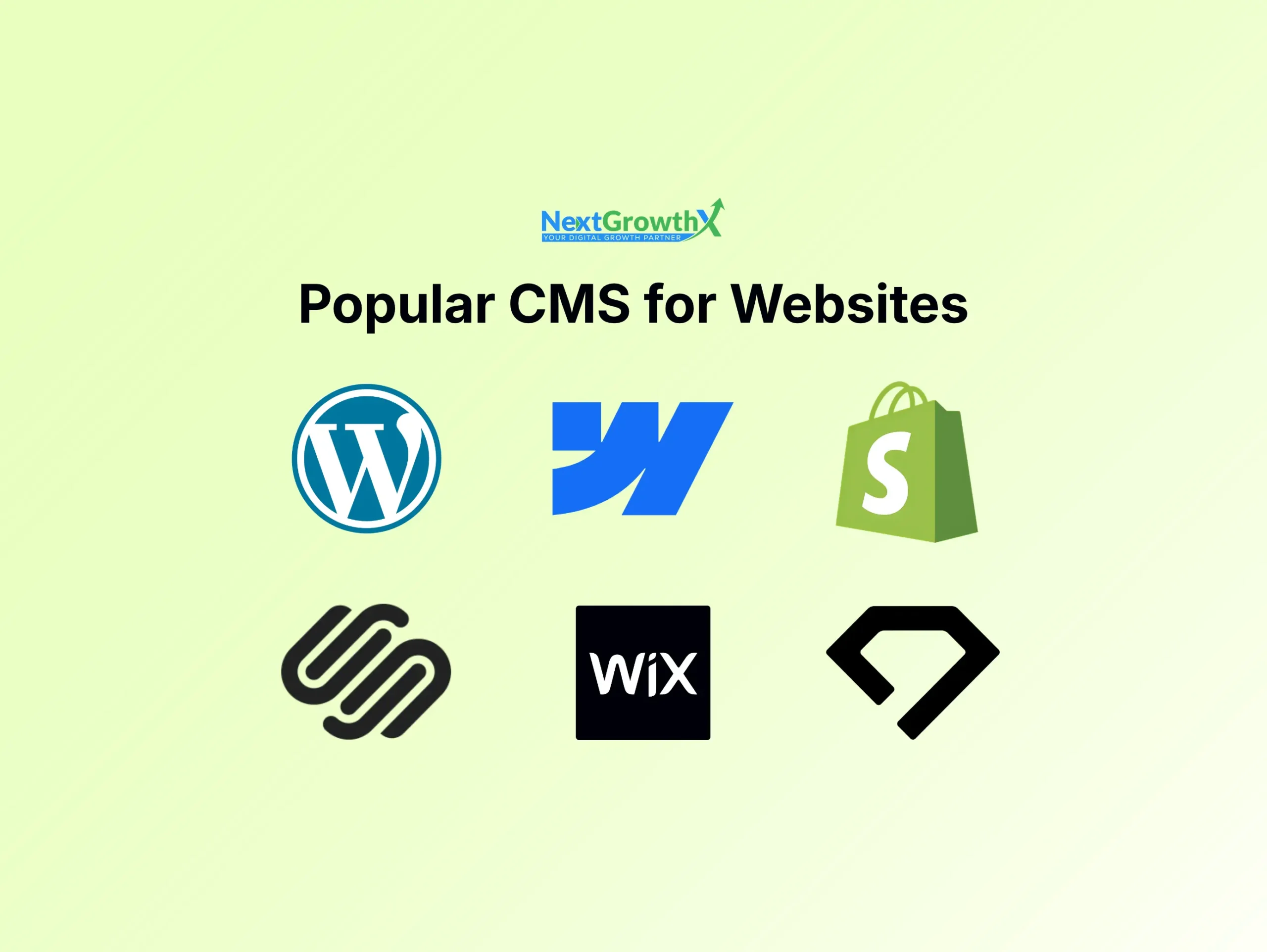
Here are seven widely used platforms worth considering.
WordPress is the most widely used CMS for websites and remains one of the most flexible options available.
WordPress is an open source content management system that can be used for blogs, business websites, portfolios, news websites, membership websites, and ecommerce stores through WooCommerce.
One of its biggest advantages is its ecosystem.
There are thousands of themes and plugins available, allowing you to add functionality without building everything from scratch. You can also modify the code when you need more control.
For a business website, you can combine WordPress with a page builder such as Elementor. For ecommerce, WooCommerce can turn the website into a full online store. SEO plugins can provide additional optimization controls, while custom plugins and code can handle more specialized requirements.
Best for
- Business websites: Excellent
- Blogs: Excellent
- Ecommerce: Excellent with WooCommerce
- Customization: Excellent
- Ease of use: Good
WordPress is particularly strong when you want a website that can start simple and become more sophisticated over time.
The tradeoff is that self hosted WordPress requires more maintenance than fully managed platforms. Updates, backups, security, plugins, themes, hosting, and performance all need to be managed properly.
For many businesses, however, the control and flexibility make that additional responsibility worthwhile.
Shopify is primarily an ecommerce platform rather than a general purpose CMS, but it is an important option when your website’s main purpose is selling products online.
Shopify provides the infrastructure needed to operate an online store, including product management, checkout, payments, inventory, orders, themes, and ecommerce integrations.
One of its biggest advantages is that the technical infrastructure is managed for you.
You do not need to purchase separate hosting or manage a WordPress installation. You can select a theme, add your products, configure your store, and begin selling.
Shopify also has a large app ecosystem for adding additional functionality.
Best for
- Ecommerce: Excellent
- Business websites: Good
- Blogs: Good
- Customization: Good
- Ease of use: Excellent
Shopify is a strong choice when ecommerce is the central purpose of the website and you prefer a managed environment.
However, if you need a highly customized content driven website that is not primarily focused on ecommerce, WordPress may provide greater flexibility.
Webflow takes a different approach to website management.
It combines a visual website builder with a CMS and hosting environment. This makes it particularly attractive to designers who want detailed control over the visual structure of a website without building every component from scratch.
Webflow’s CMS can be used to manage structured content such as blog posts, team members, projects, locations, and other collections.
The visual design system gives designers considerable control over layouts, responsive behavior, typography, animations, and interactions.
Best for
- Business websites: Excellent
- Marketing websites: Excellent
- Blogs: Good
- Ecommerce: Good
- Customization: Excellent
- Ease of use: Good
Webflow is especially useful for agencies, designers, startups, and businesses that care heavily about visual presentation.
The learning curve can be higher than simpler website builders because Webflow exposes concepts that are closer to professional web design and development.
For a designer who wants more visual control, however, that can be an advantage rather than a disadvantage.
Wix combines website building, content management, hosting, and business features in one platform.
Its main appeal is simplicity.
You can create pages visually, manage content through the dashboard, choose from templates, and use built in features for common business requirements.
Wix is particularly popular among small businesses and individuals who want to create a website without dealing with hosting or technical configuration.
Best for
- Small business websites: Excellent
- Portfolios: Excellent
- Blogs: Good
- Ecommerce: Good
- Customization: Good
- Ease of use: Excellent
The tradeoff is that you have less technical control than you would with a self hosted CMS such as WordPress.
That is not necessarily a problem for a small business that wants to manage its own website without technical expertise.
In fact, the reduced technical complexity can be one of Wix’s biggest advantages.
Drupal is an open source CMS known for its flexibility, structured content capabilities, permissions, and ability to handle complex websites.
It is generally more technical than WordPress, but that complexity can be useful for organizations with sophisticated requirements.
Drupal is particularly strong when a website needs complex content structures, multiple user roles, advanced permissions, multilingual content, or custom functionality.
Best for
- Large organizations: Excellent
- Complex websites: Excellent
- Government websites: Strong
- Blogs: Good
- Ecommerce: Possible with additional solutions
- Customization: Excellent
- Ease of use: Moderate
Drupal is not usually the first recommendation for someone who simply wants a five page business website.
Its strengths become more apparent when the project requires a structured content architecture and advanced technical control.
Joomla is another established open source CMS that sits somewhere between simpler platforms and more technically advanced systems.
It provides tools for managing pages, users, menus, categories, media, and other website content.
Joomla has historically been used for business websites, portals, community websites, membership platforms, and other projects requiring more structure than a basic blog.
Best for
- Business websites: Good
- Community websites: Good
- Content portals: Strong
- Blogs: Good
- Customization: Strong
- Ease of use: Moderate
Joomla is not as dominant as WordPress, but it remains an option for organizations that prefer its architecture and content management approach.
Its open source nature also means developers can extend and customize the platform.
Squarespace is a hosted website platform that combines content management, website design, hosting, and built in business features.
It is particularly known for professionally designed templates and an interface aimed at people who want to create a polished website without managing a technical hosting environment.
Squarespace works well for portfolios, creative professionals, small businesses, service providers, and personal websites.
Best for
- Portfolio websites: Excellent
- Creative businesses: Excellent
- Small business websites: Good
- Blogs: Good
- Ecommerce: Good
- Customization: Moderate
- Ease of use: Excellent
Its biggest strength is convenience.
You can manage your content and website from one platform without having to maintain a separate hosting environment.
The tradeoff is that you have less freedom than you would with an open source CMS.
How to Choose a CMS for Websites
Instead of asking which platform is the best overall, start by asking what your website actually needs.
For maximum flexibility: WordPress
If you want extensive customization, a huge plugin ecosystem, and control over your website environment, WordPress is difficult to overlook.
It is especially strong for businesses that may need additional functionality as they grow.
For ecommerce: Shopify
If selling products is the primary purpose of the website, Shopify provides a dedicated ecommerce environment with the infrastructure and tools needed to operate an online store.
For design focused websites: Webflow
If visual design and detailed layout control are priorities, Webflow is a strong option.
It is particularly useful for professional marketing websites where design plays a major role in the user experience.
For simplicity: Wix or Squarespace
If you want to build and manage a website without dealing with hosting, plugins, or server configuration, Wix and Squarespace are easier options.
They are suitable for many small businesses, portfolios, and personal websites.
For complex organizations: Drupal
If the website requires complex content structures, permissions, workflows, or integrations, Drupal may be worth considering.
It is more technical, but that technical depth is useful for certain projects.
CMS for Websites: Open Source vs Hosted
One of the most important decisions is whether you want an open source CMS or a hosted platform.
Open source CMS
WordPress, Drupal, and Joomla are examples.
You generally have more control over the website and its underlying environment.
You can choose hosting, modify code, install extensions, and customize the platform extensively.
But you also have more responsibility.
You may need to manage:
Updates → Core software, plugins, and themes
Security → Monitoring vulnerabilities and access
Backups → Creating and maintaining recovery points
Hosting → Server performance and configuration
Maintenance → Keeping the overall system healthy
Hosted CMS platforms
Shopify, Wix, Webflow, and Squarespace take care of much more of the underlying infrastructure.
That makes them easier to manage for many users.
You typically do not need to worry about server configuration or manually maintaining the core platform.
The tradeoff is that you have less control over the underlying environment.
Neither approach is automatically better.
It depends on whether you value control or convenience more.
Final Thoughts
The right cms for websites depends on the type of website you are building and how much control you need.
WordPress is the strongest all round option when flexibility and customization are priorities. Shopify is particularly suitable for ecommerce. Webflow is attractive for design focused websites. Wix and Squarespace are convenient for users who want simplicity. Drupal and Joomla provide alternative open source options for more specific requirements.
Before choosing a platform, think beyond the initial website launch.
Consider how you will manage content, who will maintain the website, what functionality you may need later, how much customization you require, and how the platform fits into your long term business goals.
A CMS should make your website easier to manage, not create unnecessary limitations as the project grows.
Frequently Asked Questions
What is the best CMS for websites?
There is no single best cms for websites. WordPress is one of the most flexible options, Shopify is particularly strong for ecommerce, Webflow is excellent for design focused websites, and platforms such as Wix and Squarespace prioritize simplicity.
Is WordPress still a good CMS for websites?
Yes. WordPress remains a highly flexible choice for business websites, blogs, portfolios, publications, and ecommerce websites. Its large ecosystem of themes, plugins, and developers makes it suitable for projects ranging from simple websites to complex platforms.
What is the easiest CMS for websites?
Hosted platforms such as Wix and Squarespace are generally easier for beginners because hosting and much of the technical infrastructure are managed for you. Shopify is also relatively straightforward when the main goal is building an online store.
Which CMS for websites is best for ecommerce?
Shopify is a strong choice when ecommerce is the primary purpose of the website. WordPress with WooCommerce is another powerful option, particularly when you need extensive customization and control over the website.
Does changing the CMS improve SEO?
Changing your cms for websites does not automatically improve search rankings. SEO depends on technical implementation, content, website structure, performance, backlinks, and many other factors. A CMS change can help if the existing platform creates genuine technical limitations, but migration must be planned carefully to avoid losing existing search visibility.